How to Check Demand on eBay Before Buying Inventory
Learn how to verify real demand on eBay using sold listings and sell-through rate before buying DVDs to resell.
2/19/2026 - 2 min read
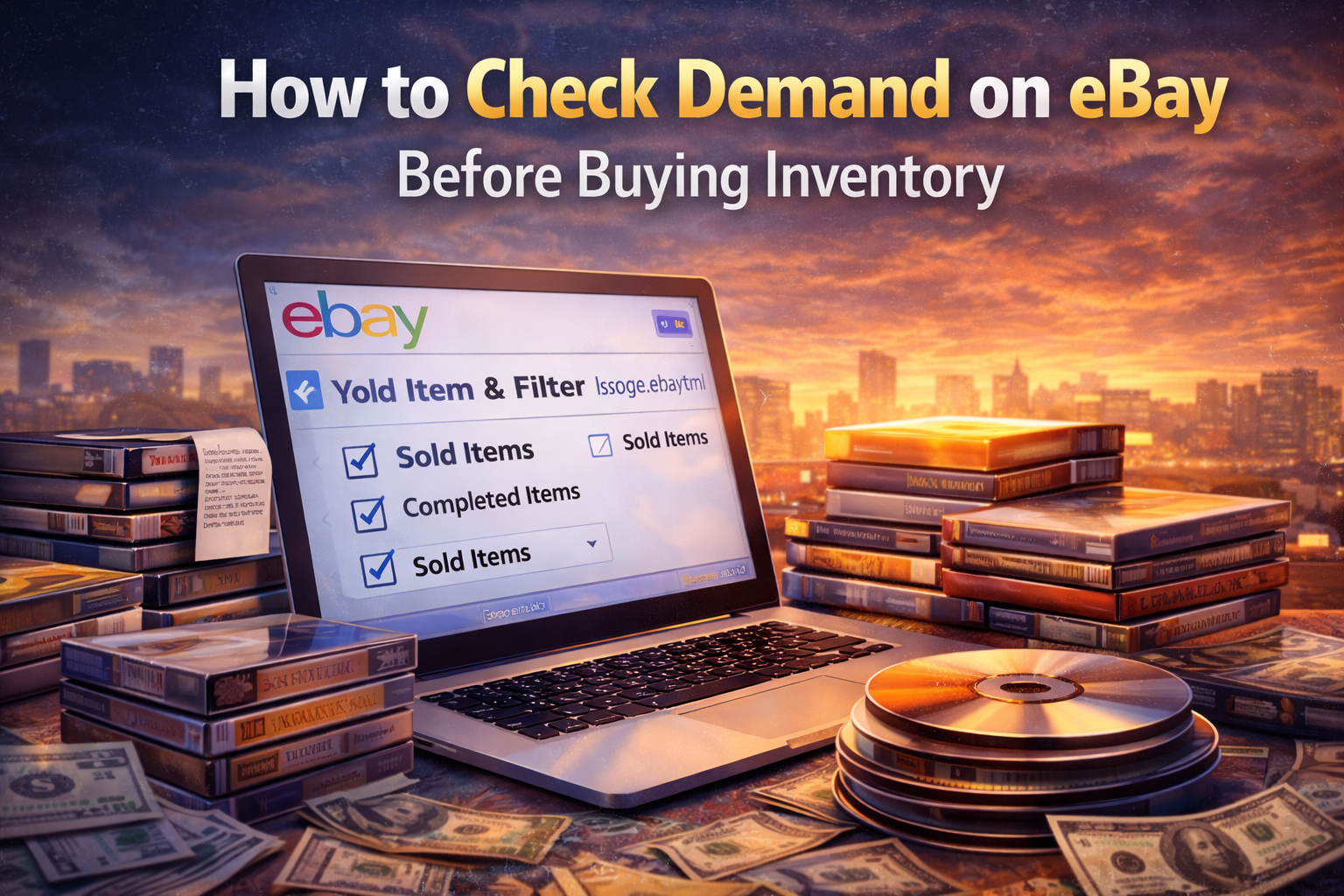
Learn how to verify real demand on eBay using sold listings and sell-through rate before buying DVDs to resell.
2/19/2026 - 2 min read
The fastest way to lose money reselling DVDs is simple:
Buying first. Researching later.
In 2026, supply is massive.
Demand is selective.
You don’t guess.
You verify.
TL;DR
Be precise.
Small differences change demand.
Click:
Ignore unsold listings.
They do not represent demand.
Example:
That is roughly 30% sell-through — healthy demand.
If it is:
That is oversupply.
This is how you estimate velocity.
If you are unfamiliar with the calculation, read
What is sell-through rate?
Avoid titles where:
High price does not equal strong demand.
Seeing:
“One sold for $29.99!”
Instead of asking:
“How many actually sold?”
Outliers create false confidence.
Consistent sales create reliable profit.
Before you buy, ask:
The resellers who win in 2026 filter first.